
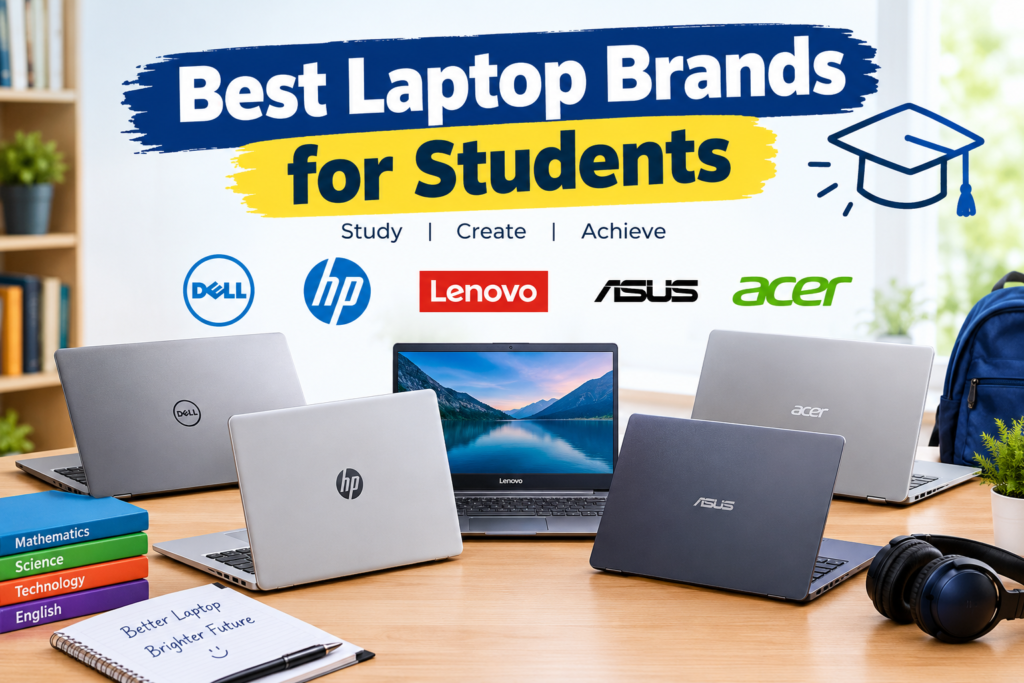

Choosing among the best laptop brands for students comes down to matching a brand’s strengths to your coursework, budget, and how long you need the machine to last. Apple, Lenovo, ASUS, and Microsoft consistently lead for reliability and battery life, while Acer and Chromebook makers like Lenovo and ASUS dominate the budget tier. The right brand depends less on hype and more on your major, operating system comfort, and daily carry needs.
What Makes a Laptop Brand Good for Students?
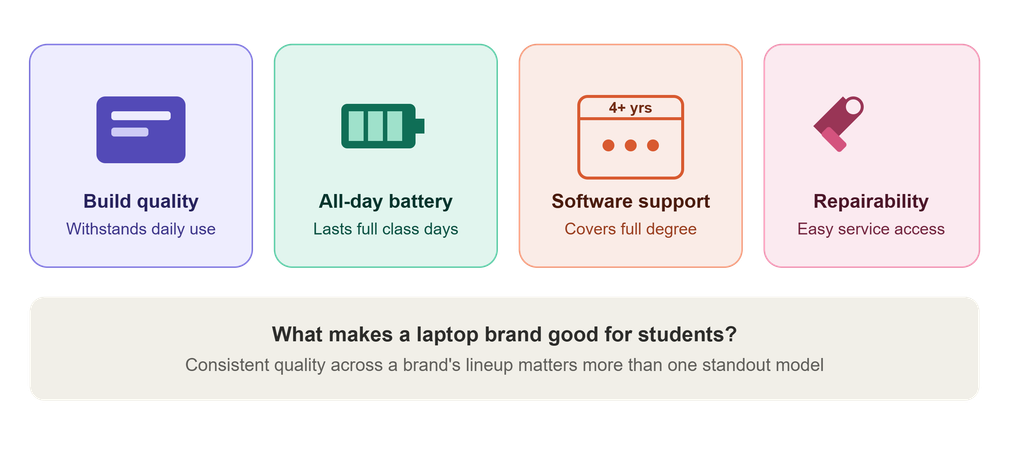
A student-friendly laptop brand combines dependable build quality, multi-year software support, and a battery that survives a full day of back-to-back classes. A college laptop should last at least four years, or however long it takes to complete a degree, and the strongest options come with software support that extends that long or beyond. Processor power, RAM, portability, and repairability all factor in, but brand reputation matters because it reflects consistent quality control across product lines rather than a single standout model.
Students should also weigh how a brand handles warranty service and repairs, since a laptop that breaks mid-semester with no nearby service center creates real disruption. Brands with widespread retail presence and straightforward repair programs tend to reduce this risk compared to smaller or regional manufacturers.
Apple: Best for Battery Life and Build Quality
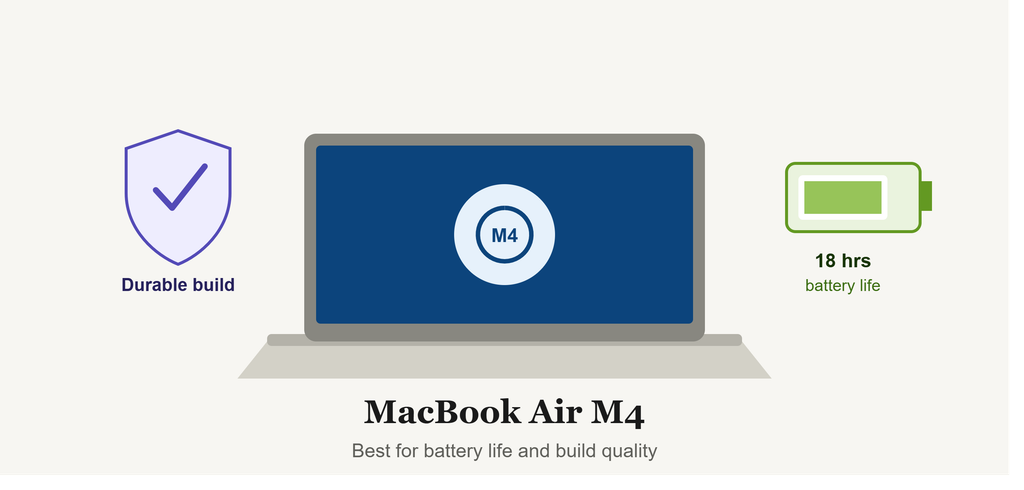
Apple remains a top pick for students who want premium build quality and all-day battery life without worrying about thermal throttling during long study sessions. The 13-inch MacBook Air with the M4 chip has been named the best laptop for college among tested models, calling it an ideal device for writing papers and consuming media. Apple laptops carry a higher upfront cost than most Windows alternatives, and their proprietary ecosystem can create friction in programs requiring Windows-only software.
Lenovo: Best Value and Reliability for Coursework
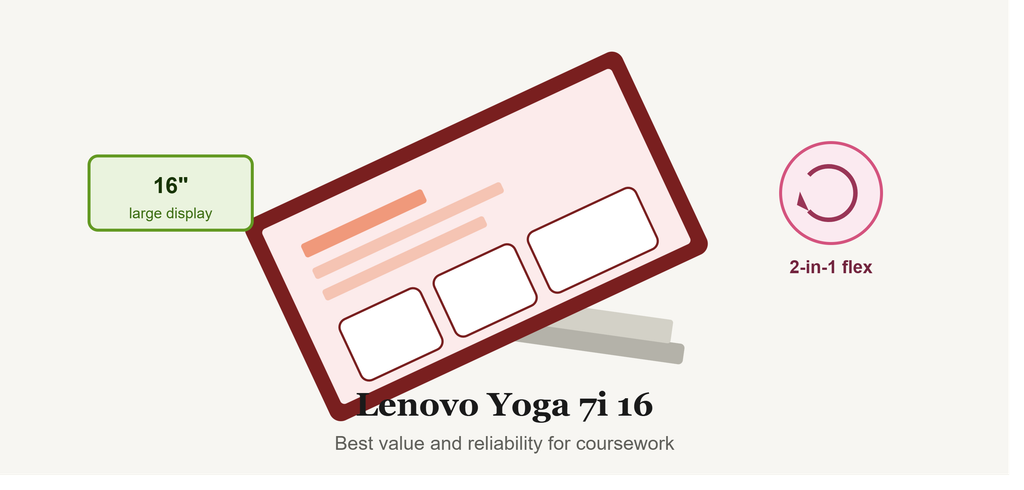
Lenovo has built its student reputation on rugged construction, strong keyboards, and pricing that scales from budget Chromebooks to premium convertibles. Among Windows options, the Lenovo Yoga 7i 16 has been named the best Windows laptop for college students, offering a large display and 2-in-1 flexibility for note-taking. Lenovo’s ThinkPad line, long favored in computer science programs, adds durability testing and easily serviceable components.
ASUS: Best for Balancing Performance and Price
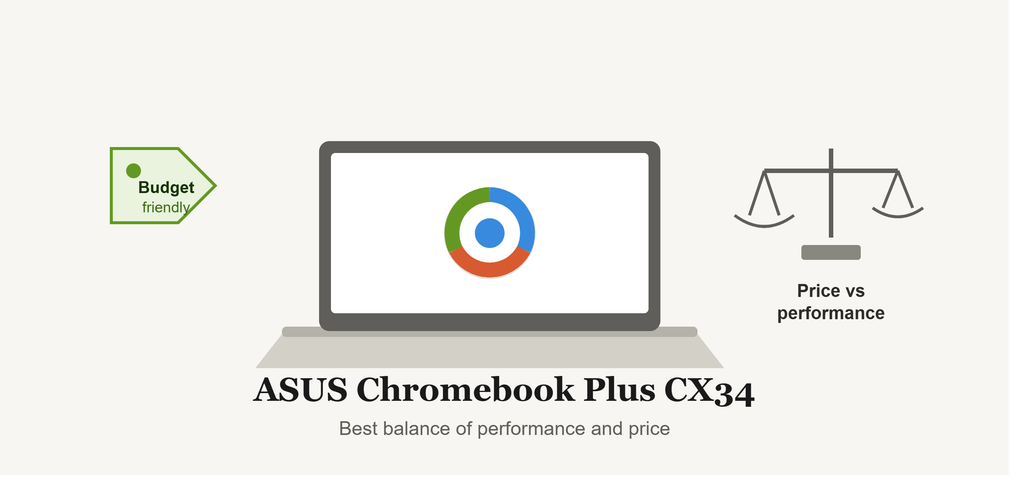
ASUS covers nearly every price point, from Chromebooks under $300 to gaming-capable laptops that double as creative workstations. The ASUS Chromebook Plus CX34 has been named the best Chromebook for college students, praised for combining a responsive ChromeOS experience with a lower price than comparable Windows machines. For design, film, or engineering students, ASUS’s Zenbook and ROG lines offer discrete GPUs generally priced below equivalent Apple or Microsoft hardware.
Acer: Best Budget-Friendly Option
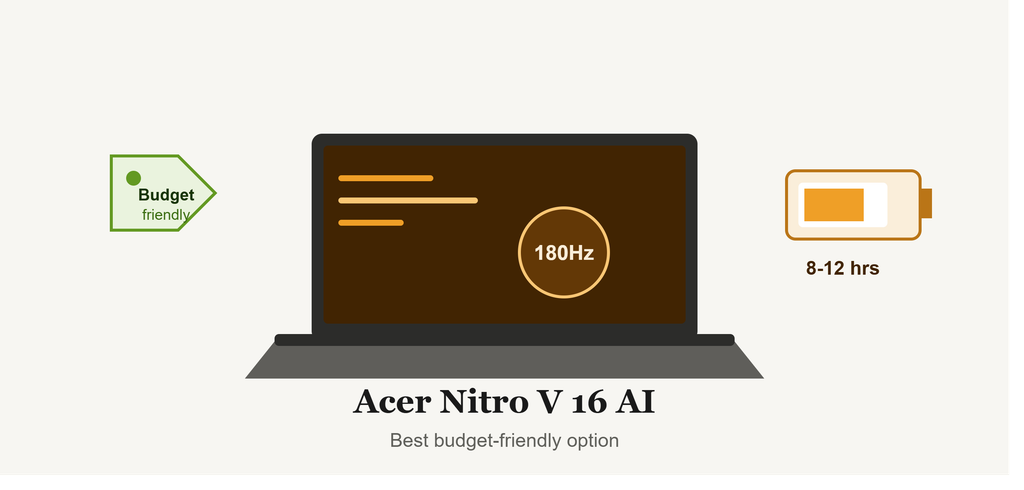
Acer has carved out a reputation for delivering hardware specs above its price bracket, particularly for students who need gaming performance or a large, high-resolution display without a premium price tag. The Acer Nitro V 16 AI offers battery life lasting eight to 12 hours under light use and a 16-inch display with more vertical screen space than standard panels. Acer’s Swift and Aspire lines extend this value proposition to non-gaming students too.
Microsoft Surface: Best for Windows Integration
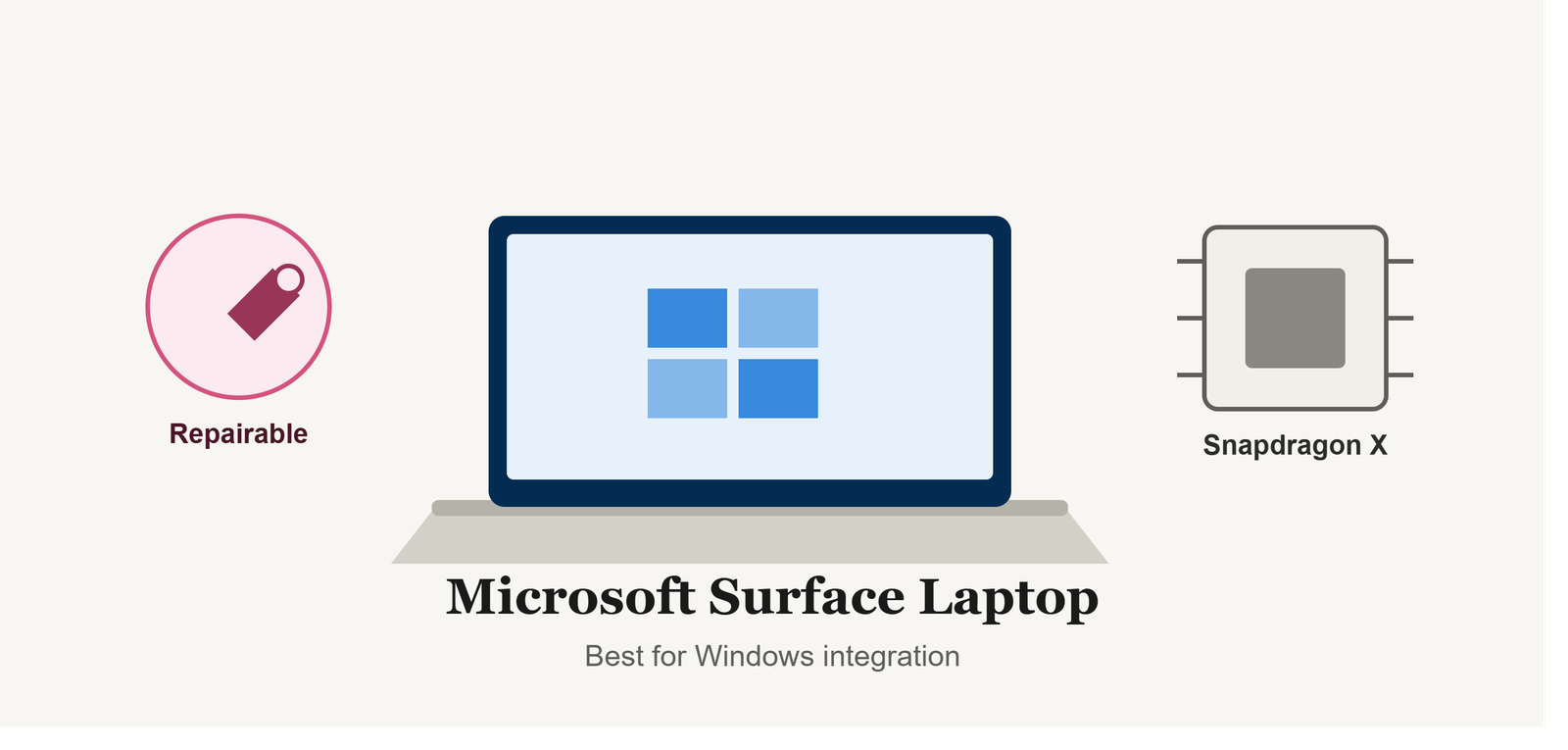
Microsoft’s Surface Laptop line targets students who want native Windows performance without the bloatware often found on third-party manufacturers’ machines. Built around Qualcomm Snapdragon processors, it delivers excellent performance and long battery life with a strong repairability focus, though the ARM-based chip can occasionally run into compatibility issues with older software and does not support the Surface Pen.
HP and Dell: Solid All-Around Choices
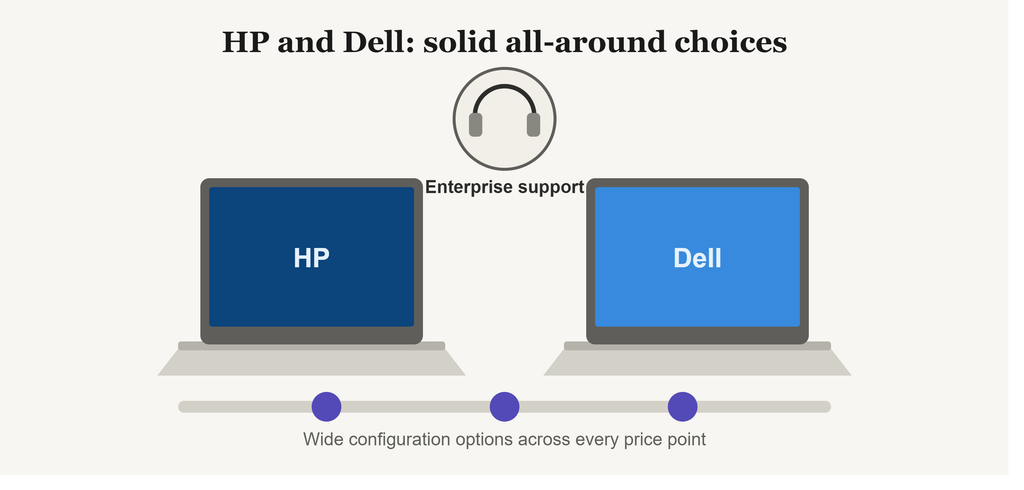
HP and Dell remain dependable middle-ground choices, particularly for students who want a wide range of configurations at nearly every price point. Both brands offer extensive customization on RAM, storage, and processor combinations, plus strong enterprise-grade support networks that carry over well to student use, including on-campus or mail-in repair options.
Chromebooks: Best for Lightweight, Web-Based Work
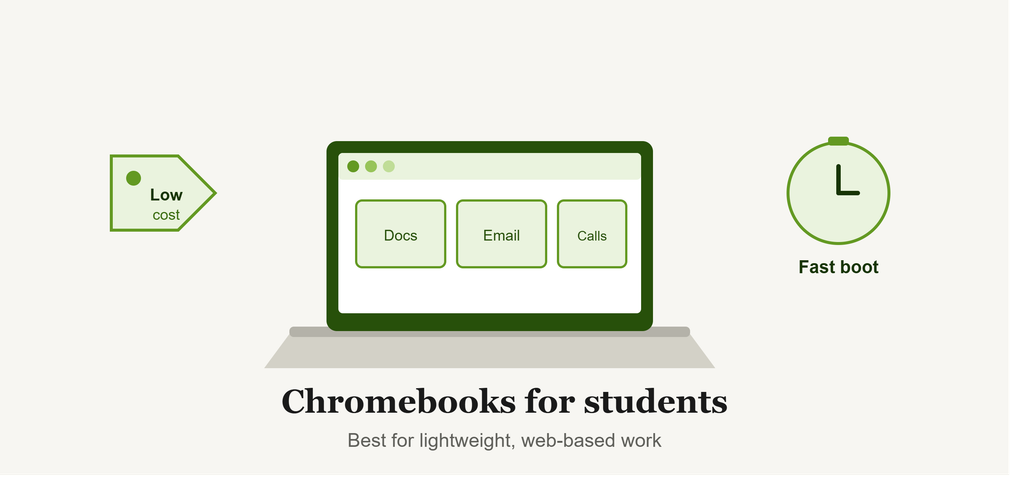
For students whose coursework is mostly browser-based, word processing, and video calls, Chromebooks from Lenovo, ASUS, and Acer offer meaningful savings without sacrificing daily usability. The tradeoff is limited offline functionality and incompatibility with desktop-only software like full Adobe Creative Suite or specialized engineering programs.
How to Choose the Right Brand for Your Needs
By Budget
Students on tight budgets should prioritize Chromebooks or entry-level Windows laptops from Acer or Lenovo, both of which offer capable machines for basic coursework well under $500. Mid-range budgets open up ASUS Zenbooks and Lenovo IdeaPads, while premium budgets make Apple’s MacBook Air and Microsoft’s Surface Laptop realistic options.
By Field of Study
Computer science and engineering students generally benefit from Windows laptops with dedicated GPUs or higher RAM ceilings, since many required tools remain Windows-only. Writing-heavy majors tend to do well with any brand offering strong battery life and a comfortable keyboard, making Apple and Lenovo strong defaults. Design and film students should prioritize color-accurate displays and GPU performance, areas where ASUS and Apple typically lead.
By Operating System Preference
Students already comfortable in the Apple ecosystem gain convenience from a MacBook’s cross-device features like universal clipboard and Handoff. Students who need full Windows compatibility for specific software should lean toward Lenovo, ASUS, Dell, or HP.
Common Misconceptions About Student Laptops
A common misconception is that a more expensive laptop always performs better for schoolwork. In practice, most coursework runs comfortably on mid-range hardware, and overspending on gaming-tier specs rarely improves the student experience unless the major specifically requires that power. Another misconception is that Chromebooks can’t handle “real” coursework; for browser-based platforms and cloud-based writing tools, they perform identically to far more expensive machines.
Some students also assume a laptop needs to be replaced every year or two. Laptops chosen with four years of software support in mind can realistically last through an entire degree program, which makes it worth prioritizing longevity over chasing the newest release each fall.
Conclusion
The best laptop brands for students in 2026 aren’t defined by a single “best” model but by how well a brand’s strengths align with a student’s coursework, budget, and daily habits. Apple and Microsoft lead on battery life and build quality, Lenovo and ASUS balance value with reliability, and Acer remains the strongest budget performer. Students weighing their options might also look into repairability ratings and campus tech support programs, both of which can meaningfully affect a laptop’s usable lifespan through graduation.
